Scenarios

Some questions only a screen can answer.

A banned AI tool used with customer data. A database that left on a Friday. A report that was right yesterday. When the question is "what exactly happened on that computer", a policy, a log line or a recollection is not enough. Here is what Screlyx shows, situation by situation.

Restricted AI useData lossData theftUnexplained failuresAudit requests
Six seconds before the paste: the hesitation is part of the record.6 s
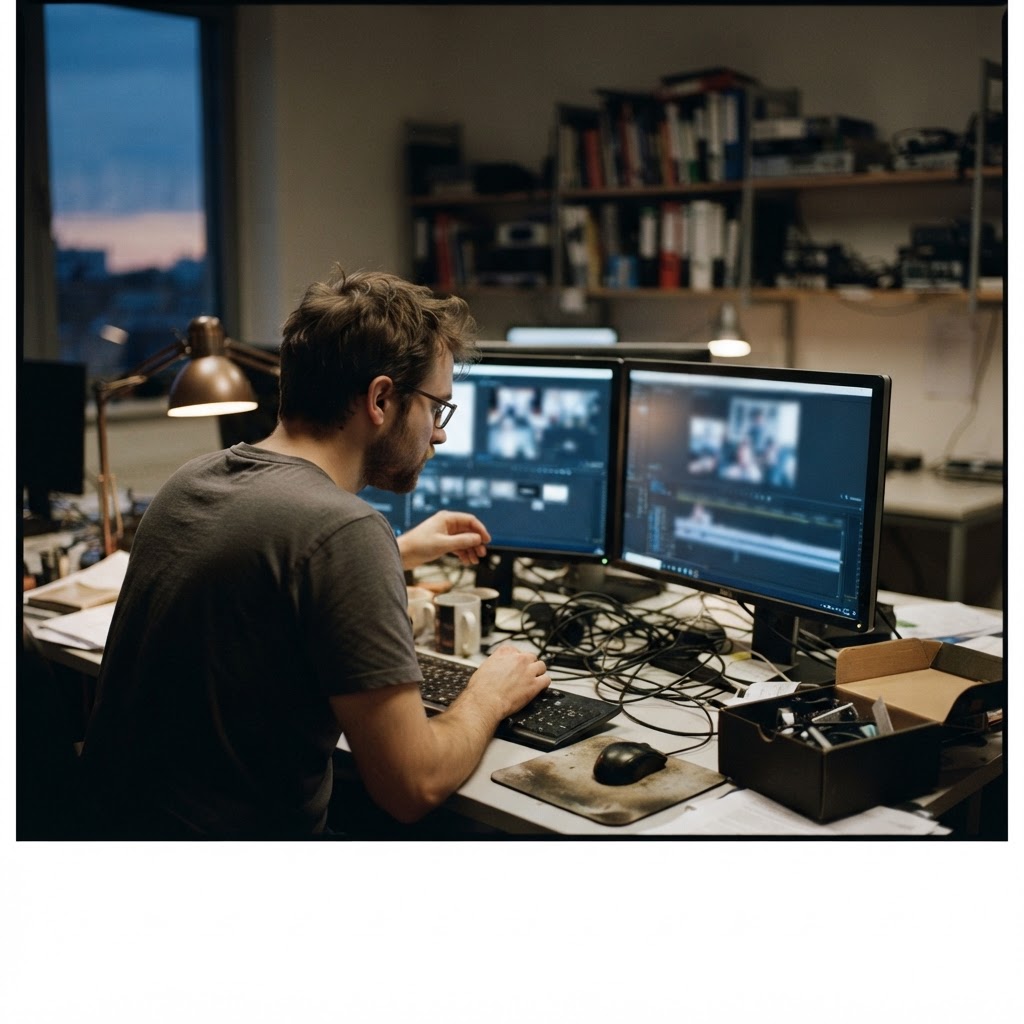
Technician reviewing screen recordings on two monitors in a small IT office at dusk
The desk where the question usually lands: recordings, timeline, one screen.IT office

Three kinds of question

Not surveillance for its own sake. Answers to questions you are already obliged to answer.

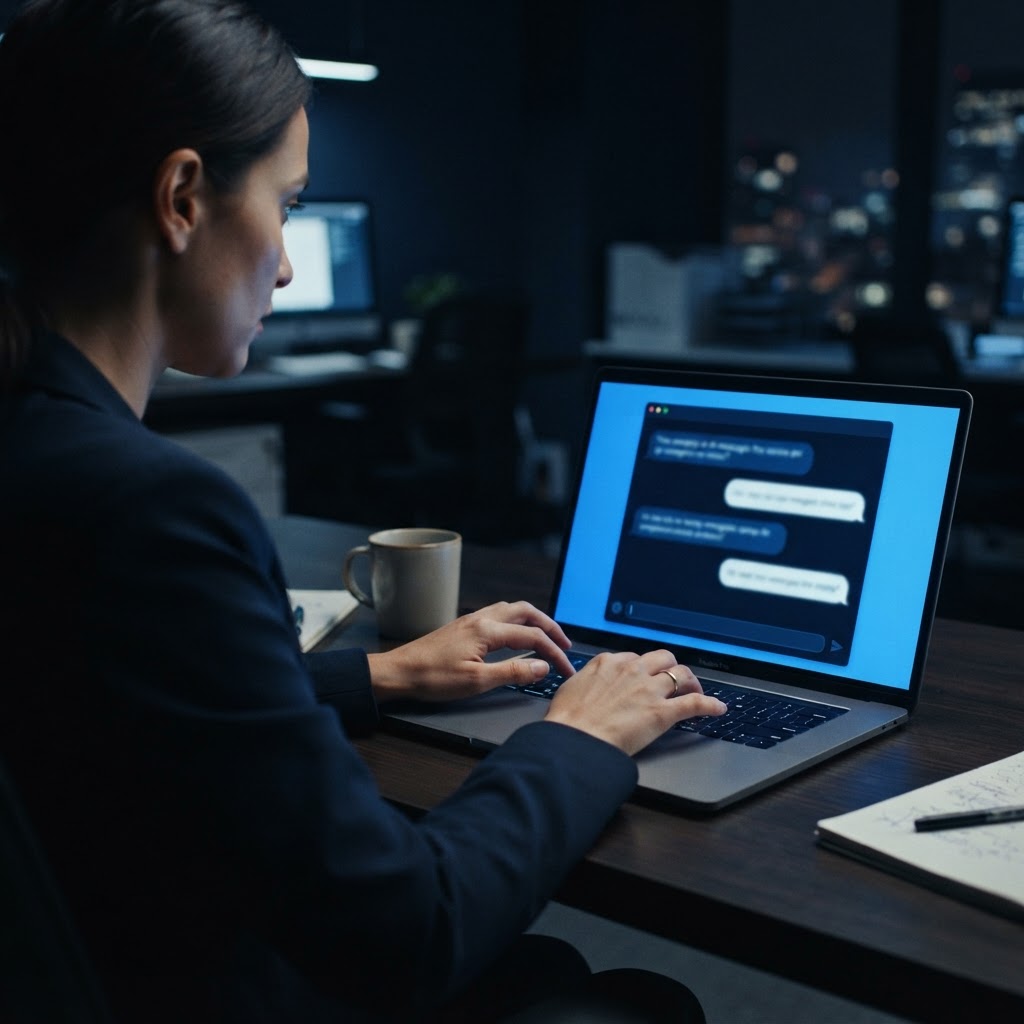
Person hesitating while typing into an AI assistant on a laptop in a dark officeAI policy

AI usage that is not allowed

A policy on paper does not stop a paste.

Many organisations restrict or ban AI tools for certain roles and data: customer records, source code, contracts, financial figures. A written policy cannot show whether someone pasted a confidential column into a public chatbot. Screlyx shows which AI sites and desktop assistants were opened on a monitored machine, what was typed or pasted into them, and keeps the screenshot of the moment.

  • AI domains and desktop assistants opened, per user and per device
  • Keystroke trail inside the prompt window: what was asked, what was pasted
  • Screenshot capture on keyword match: customer names, account numbers, repository names
  • A per-user history that shows a habit, not a single accident
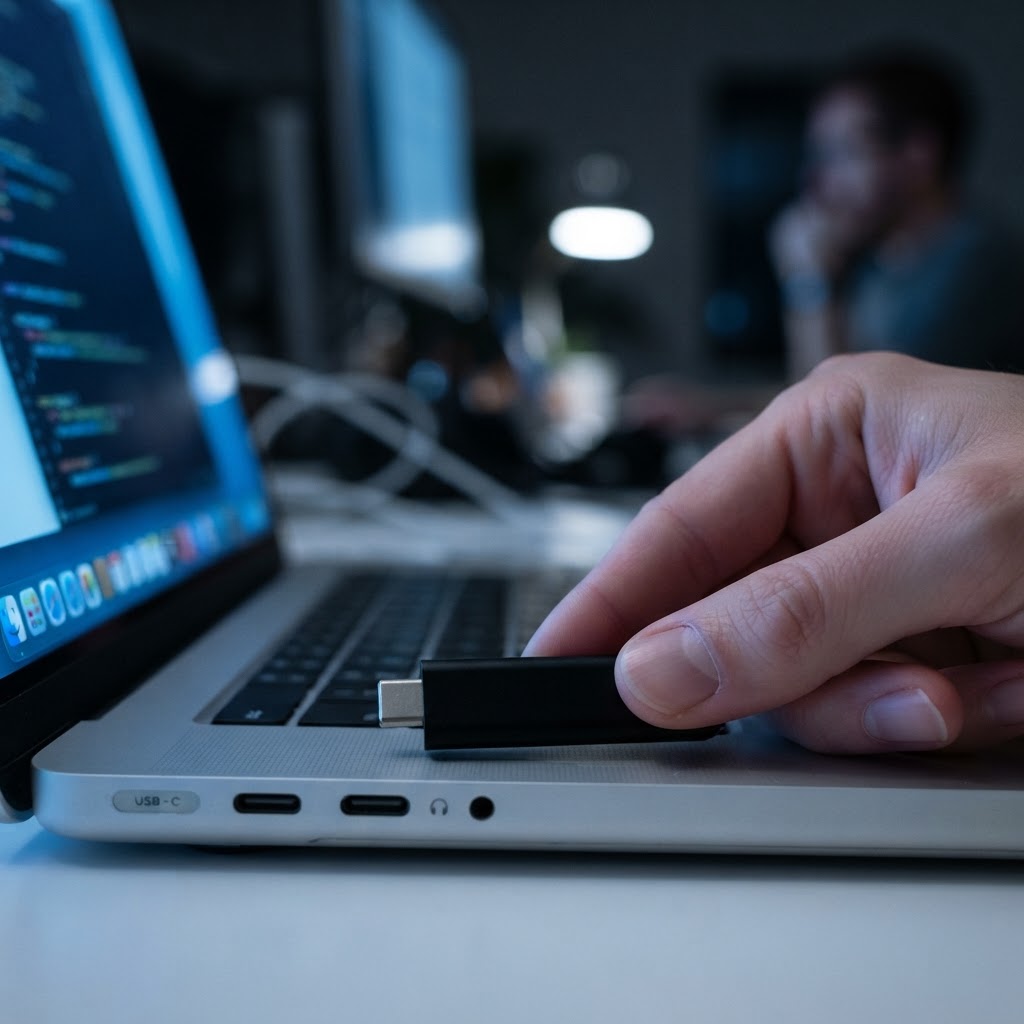
Close-up of a removable drive being inserted into a laptopIncident tracing

When you must reconstruct an incident

After the data is gone, the only question left is: what happened on that machine?

Data loss and data theft rarely announce themselves. A customer list disappears, a report is mailed to the wrong place, a drive leaves the building. Reconstructing the minutes before the event is what turns a suspicion into a documented finding you can act on.

  • Session recording (MP4) of the workstation, searchable by keyword
  • File transfers, clipboard use, uploads and removable drives as they appeared on screen
  • A timeline of the period around the event, replayable in context
  • Retention you control: 1 to 365 days, purged automatically
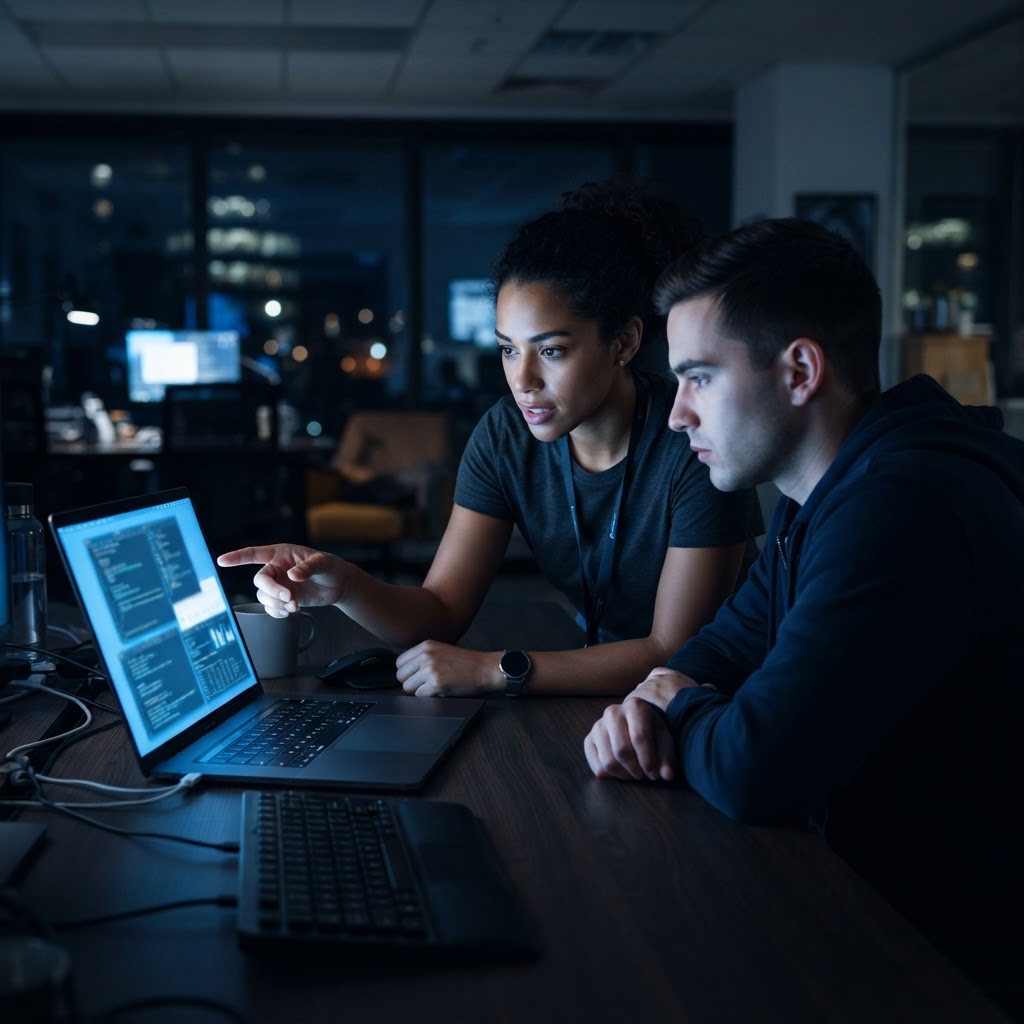
IT engineer and colleague investigating a reported problem on a laptop at nightEveryday

When you simply have to know

Something broke. Nobody can explain it. The answer is on the screen that was in front of them.

Not every question is an investigation. A batch job produced the wrong numbers, a file was overwritten, a handover did not happen. Live view answers it in seconds; replay answers it afterwards, without calling a meeting or asking people to remember Monday.

  • Live screen view on request, for designated workstations
  • Replay of the exact session, keystroke by keystroke
  • Window, process and browser-tab history around the failure
  • Screenshots at the moment the numbers changed

Six scenarios

The question asked, and the trail that answers it.

Each scenario is written the way it actually arrives: someone needs an answer, a timeframe and something that survives scrutiny.

Person typing into an AI chat window at a cluttered office desk

AI policy

A public chatbot, a customer list, and a policy that said no

Did anyone put customer data into an external AI tool last month?

What the trail shows

  • An AI assistant domain opened at 10:41 on a named workstation.
  • The keystroke stream shows a three-column paste: names, email addresses, account balances.
  • A keyword-triggered screenshot captured the prompt window at the moment of the paste.
  • The same user opened the same tool on six earlier days, with shorter pastes.

A documented finding instead of a suspicion: disclosed, handled under policy, and the retention window shortened for that team.

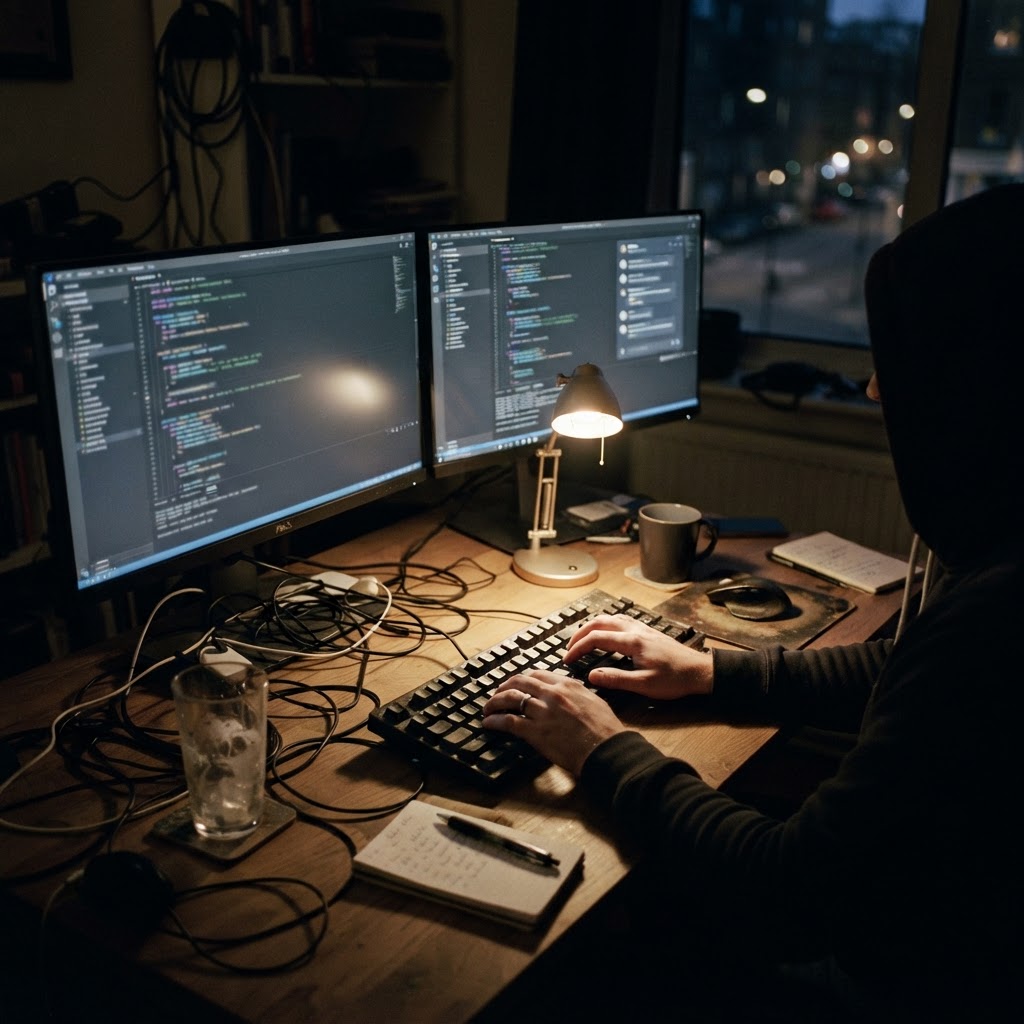
Developer's hands on a keyboard at a dim home-office desk at night

IP protection

Unreleased source code pasted into a free assistant

Was our unreleased code sent outside the company?

What the trail shows

  • A desktop AI client was started outside working hours.
  • Window title and keystroke history show a file path from the private repository.
  • A screenshot was captured on the repository-name keyword.
  • The session recording covers the twenty minutes around the event.

The evidence package reached legal and IP review the same week, with the timeframe stated precisely.

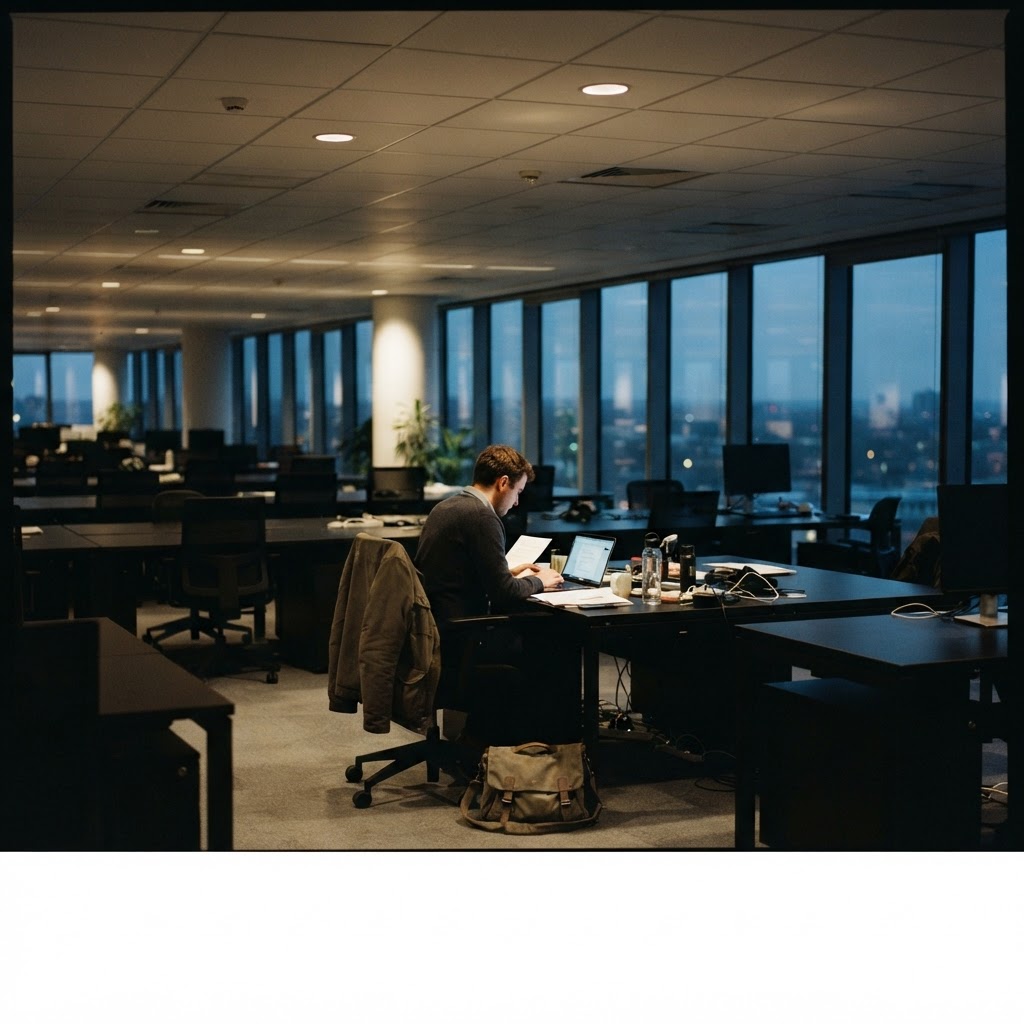
Almost empty open-plan office at dusk with one person still at a desk

Data theft

A customer database leaves on a Friday evening

Who copied the customer list, and to where?

What the trail shows

  • The export folder was opened and sorted by date; the session is recorded.
  • A removable drive was mounted and the copy operation is visible on screen.
  • A browser tab to a personal cloud drive opened twelve minutes later.
  • Replay and timeline cover 18:20 to 19:05, the whole window in question.

HR and legal worked from a dated, replayable record instead of conflicting recollections.

Hands on a mouse in front of a spreadsheet on a laptop

Data loss

The report was right yesterday

Why are yesterday's figures wrong in today's report?

What the trail shows

  • Replay shows a column being sorted while a formula range was selected.
  • The paste that followed overwrote 340 rows in the source sheet.
  • Keystroke history names the exact time: 16:52.
  • Screenshots before and after the edit show the difference.

Root cause in under ten minutes, source restored, and a template guard added the same afternoon.

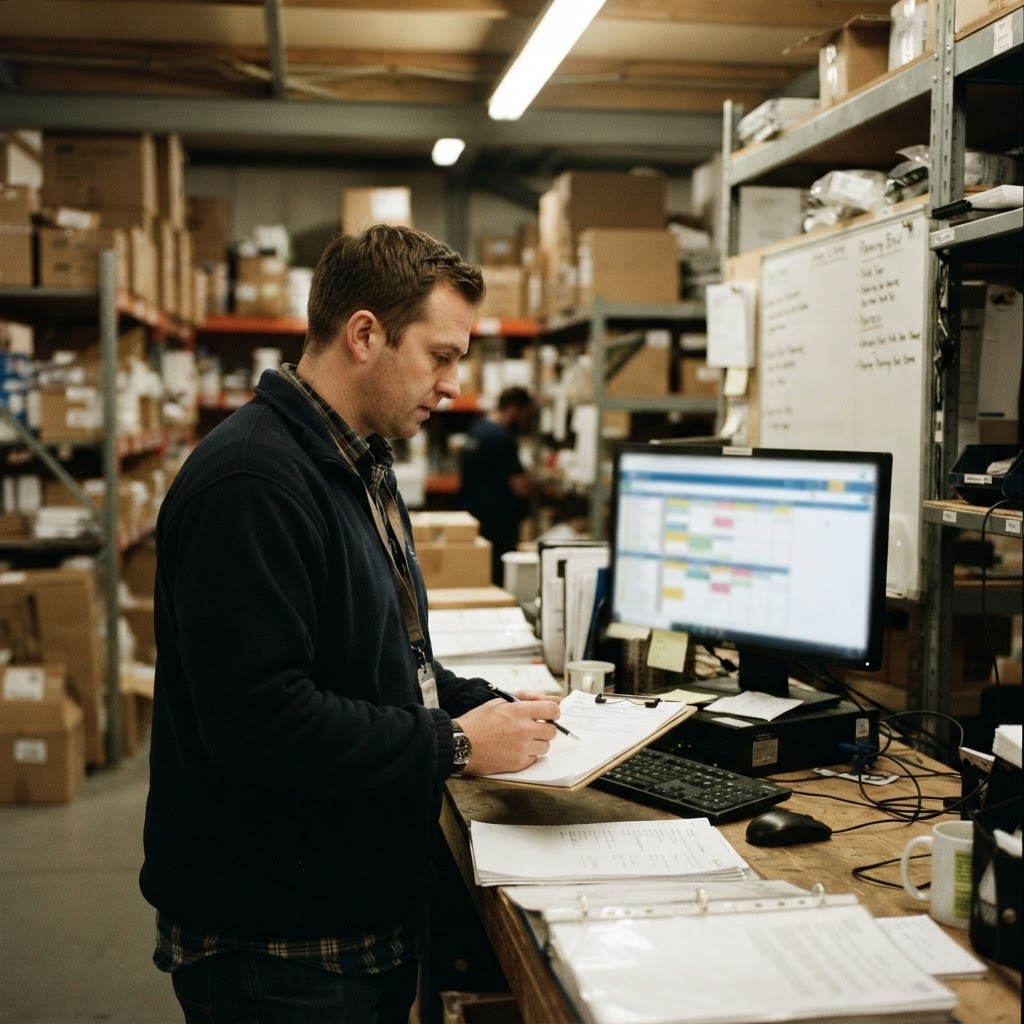
One person at a dispatch desk in a logistics office early in the morning

Operations

A handover that never happened

Did the night shift update the dispatch board?

What the trail shows

  • Live view showed the board untouched at 06:10.
  • Replay of the previous session ends at 22:04, before the update step.
  • Window history confirms no browser tab for the board was open after that.
  • Nothing else on that machine was reviewed.

A conversation with facts instead of an accusation, and one step added to the handover checklist.

Two colleagues reviewing printed folders in a small meeting room

Audit

An audit question with a three-week window

Show me what happened on that workstation between the 3rd and the 17th.

What the trail shows

  • Keyword search across the retention window: invoice number, customer name, project code.
  • Every match points to a timestamp, a screenshot and the surrounding recording.
  • Replay opens the session around the match, not the whole day.
  • The answer was assembled from the platform, not from interviews.

The auditor's question was answered with dated evidence inside the deadline.

Scenarios describe lawful, disclosed monitoring of company-owned devices, carried out under the organisation's own policy, permissions and retention rules. Screlyx provides the technical controls; the lawful basis, notice and proportionality remain the deploying organisation's responsibility.

SCRELYX — Screen Intelligence Platform

Start with a walkthrough

Put evidence behind every decision about work.

A 30-minute session: your use case, your legal context, and a live console with a real device connected. No slide deck.